Your brief
Launch Tower B by Thursday.
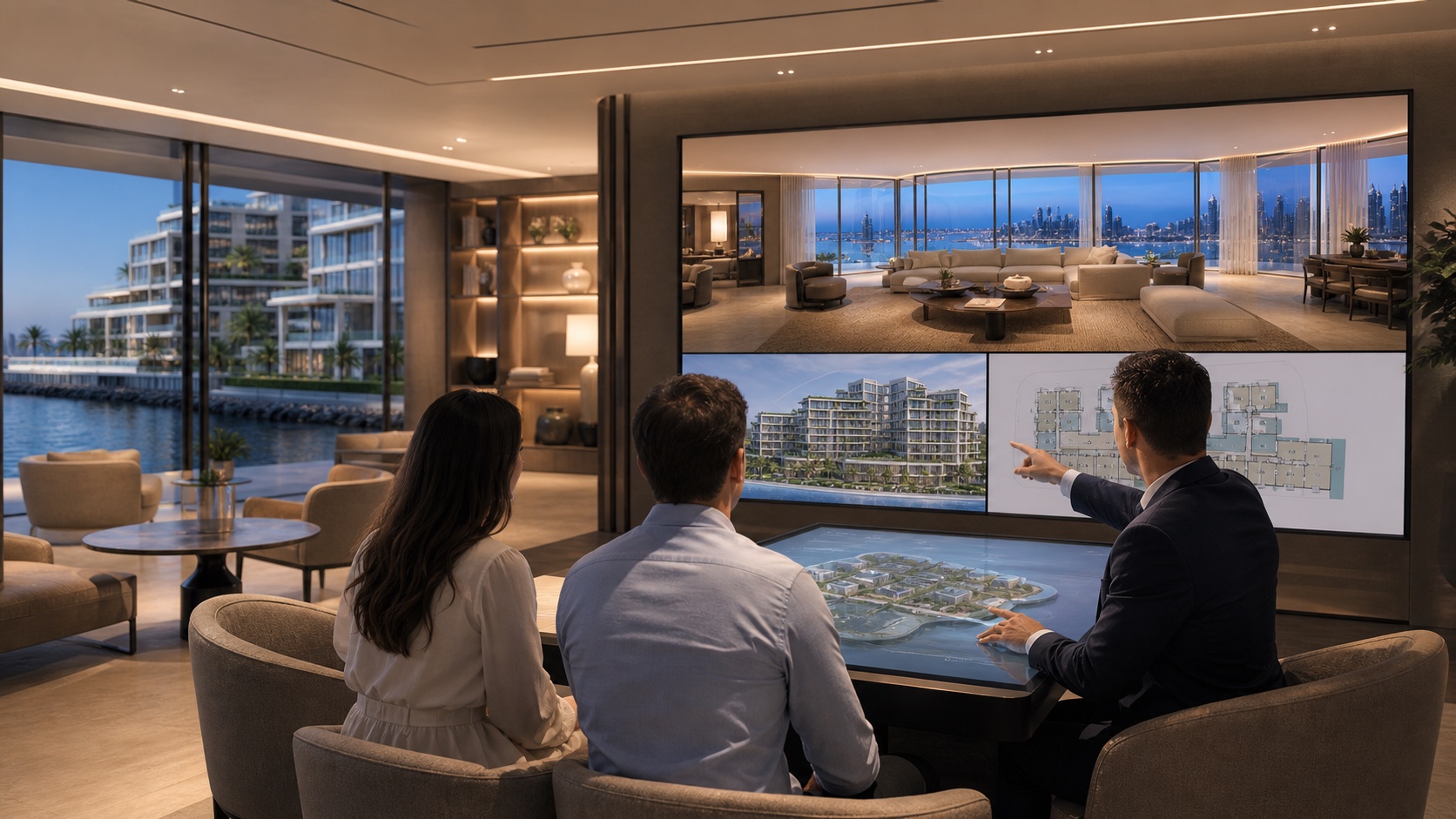
Bring the plans, the renders, the brief and the inventory sheet. Craft runs the workflow, deploys agents and generates deliverables.

One business goal becomes a readable production plan: inputs, agents, parameters, cost and approval gates included.
Launch Tower B by Thursday.
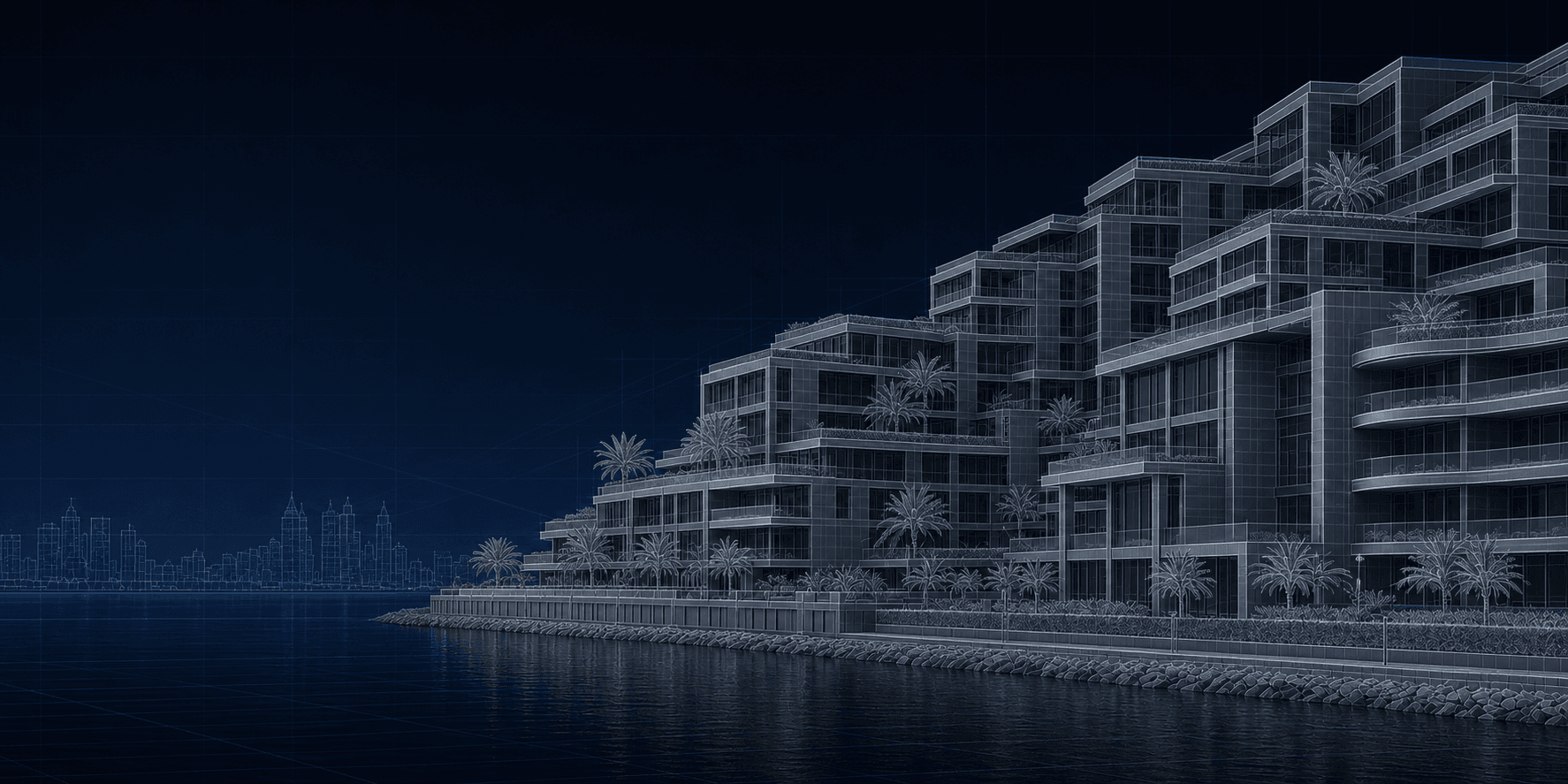
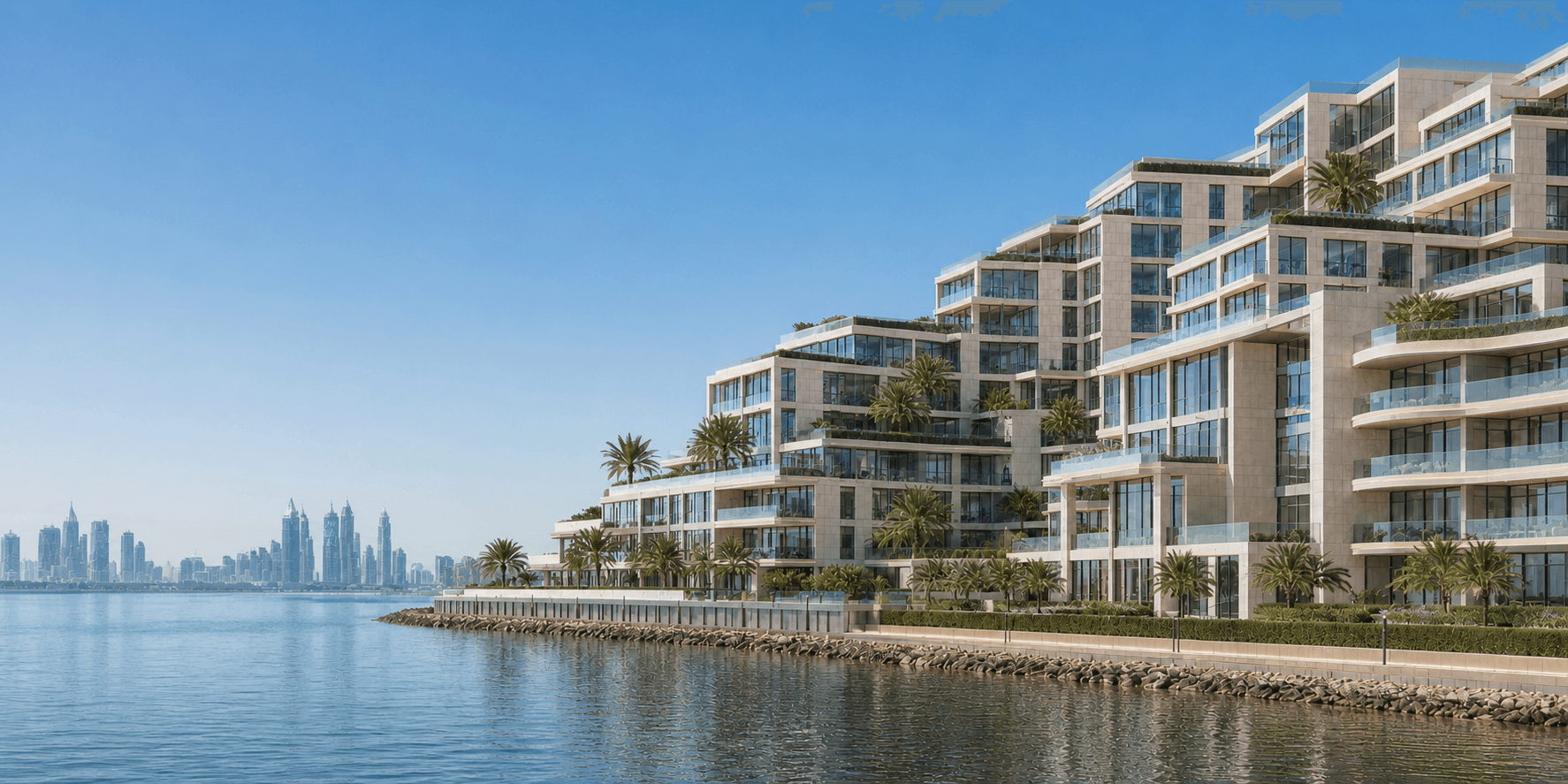
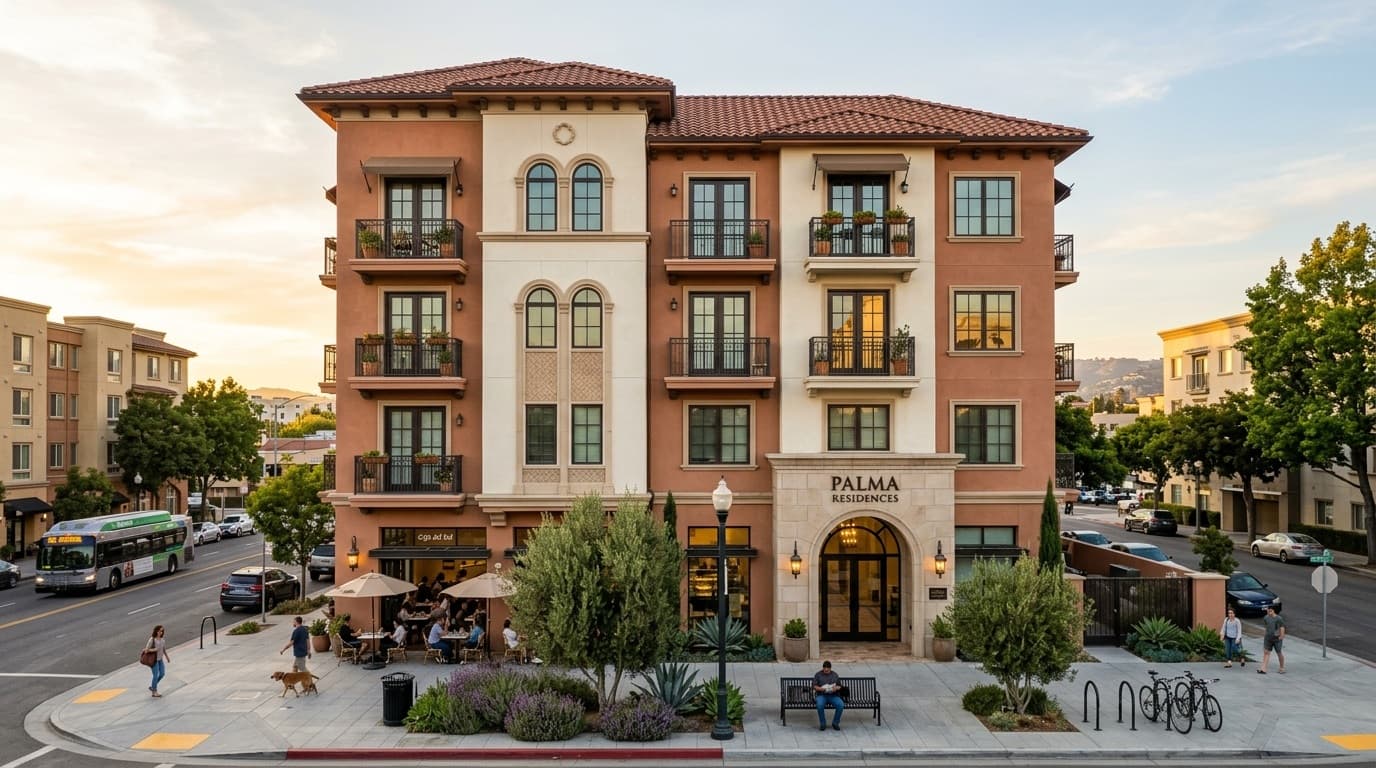
High-quality renders, animations, 360° views and marketing assets.
Marina Heights stays active throughout this flow. Every tool shows only the project asset it receives, what Arc carries forward and the resulting output. Every tool, with a preview of what it does, is in the product dashboard.
PROJECT MEMORY / MH-042
Every tool reads the same geometry, material library, brand rules and approval history.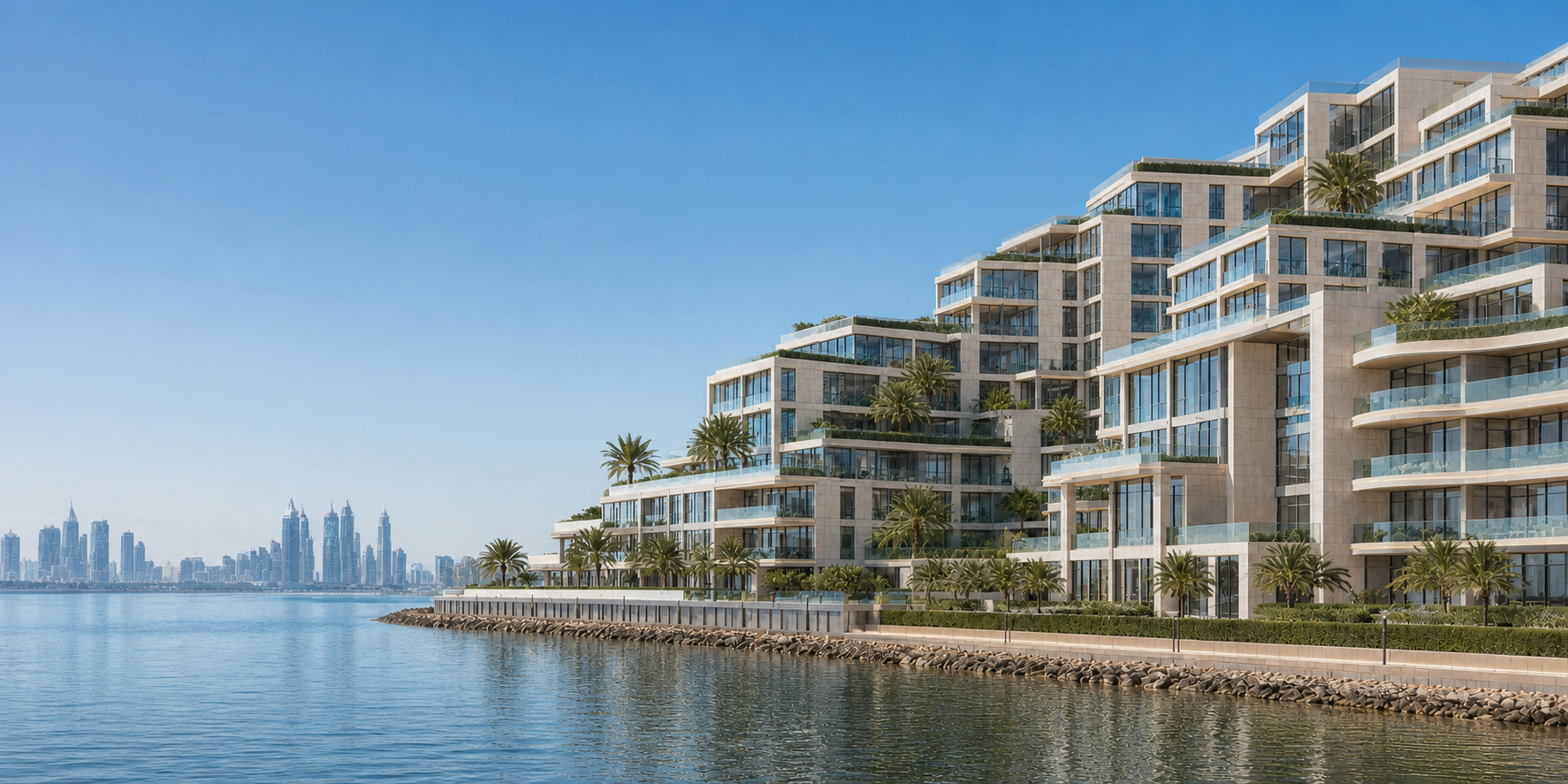 INPUTAPPROVED OUTPUT
All three generate well. None of them knows that the tower in image six has to be the tower from image one, or that your team already signed off the façade.
Strong for research, ideation, analysis and one-off image creation.
Context supplied manuallyStrong for cinematic image and video creation, motion control and broad model access.
Not built around approved building geometry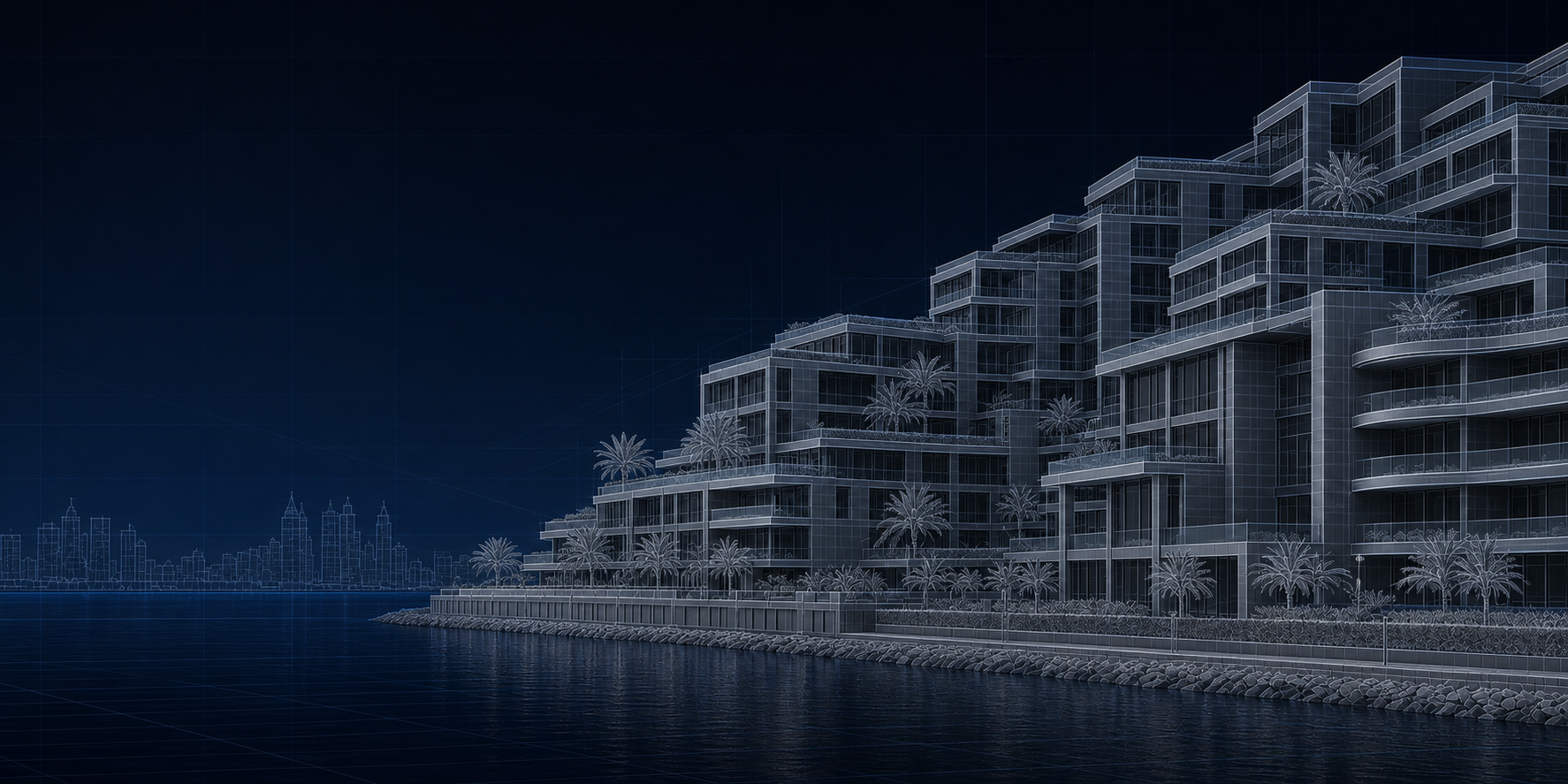
Built for AEC work. Remembers geometry, materials, brand and sign-off.
The short version: general AI to explore. Craft when the output has to match the building you already approved.
See the current capability comparisonAda owns the outcome. Scout, Bolt and Lex make today’s specialist decisions from the same project memory; Forge is the Arc 2.0 roadmap role.
“”
Owns the outcome, coordinates specialists and controls every approval gate.
Understands the request, inventories project files and drafts the production sequence.
Reads geometry, materials and spatial relationships — including what must not change.
Sets references, influence, resolution, model selection, cost and quality thresholds.
Will build, test and present a scoped tool when an approved workflow needs a capability that does not exist.
“”
AUTHORITY / HUMANOwns the outcome, coordinates specialists and controls every approval gate.
Understands the request, inventories project files and drafts the production sequence.
Reads geometry, materials and spatial relationships — including what must not change.
Sets references, influence, resolution, model selection, cost and quality thresholds.
Will build, test and present a scoped tool when an approved workflow needs a capability that does not exist.
Native AEC plugins are on the roadmap. The integration beta starts with Revit and 3ds Max, then expands to AutoCAD, Unreal Engine, SketchUp and Maya.
 COMING SOON
Send drawings and approved views into a governed Craft project.
 COMING SOON
Carry model, sheet and project context into visual workflows.
 COMING SOON
Move archviz scenes into enhancement, true 4K and motion passes.
 COMING SOON
Connect real-time scenes to campaign and immersive outputs.
 COMING SOON
Bring SketchUp models into visual and immersive workflows.
 COMING SOON
Bring animation and scene data into visual and motion workflows.
Panoramas stay panoramas, 4K is generated rather than stretched, motion holds its source resolution, and an edit stays inside the region you selected.
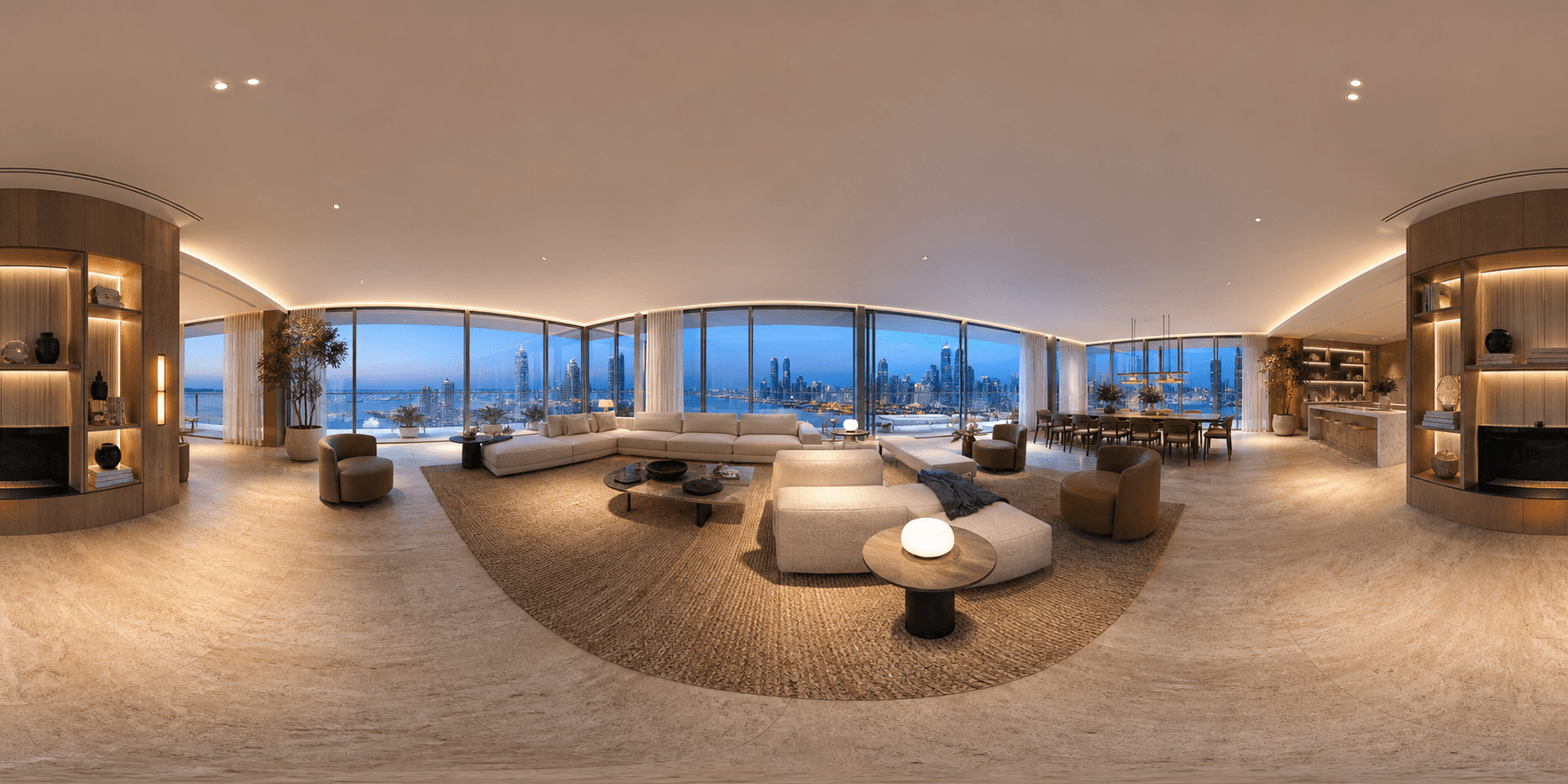
ENGINEERED FOR AEC MEDIAEdit a 360° panorama and return it with projection and seam logic intact.
Generate final detail at output resolution instead of stretching a smaller image.
Animate approved architectural frames without treating resolution as disposable.
Change one selected area while the approved asset stays stable around it.
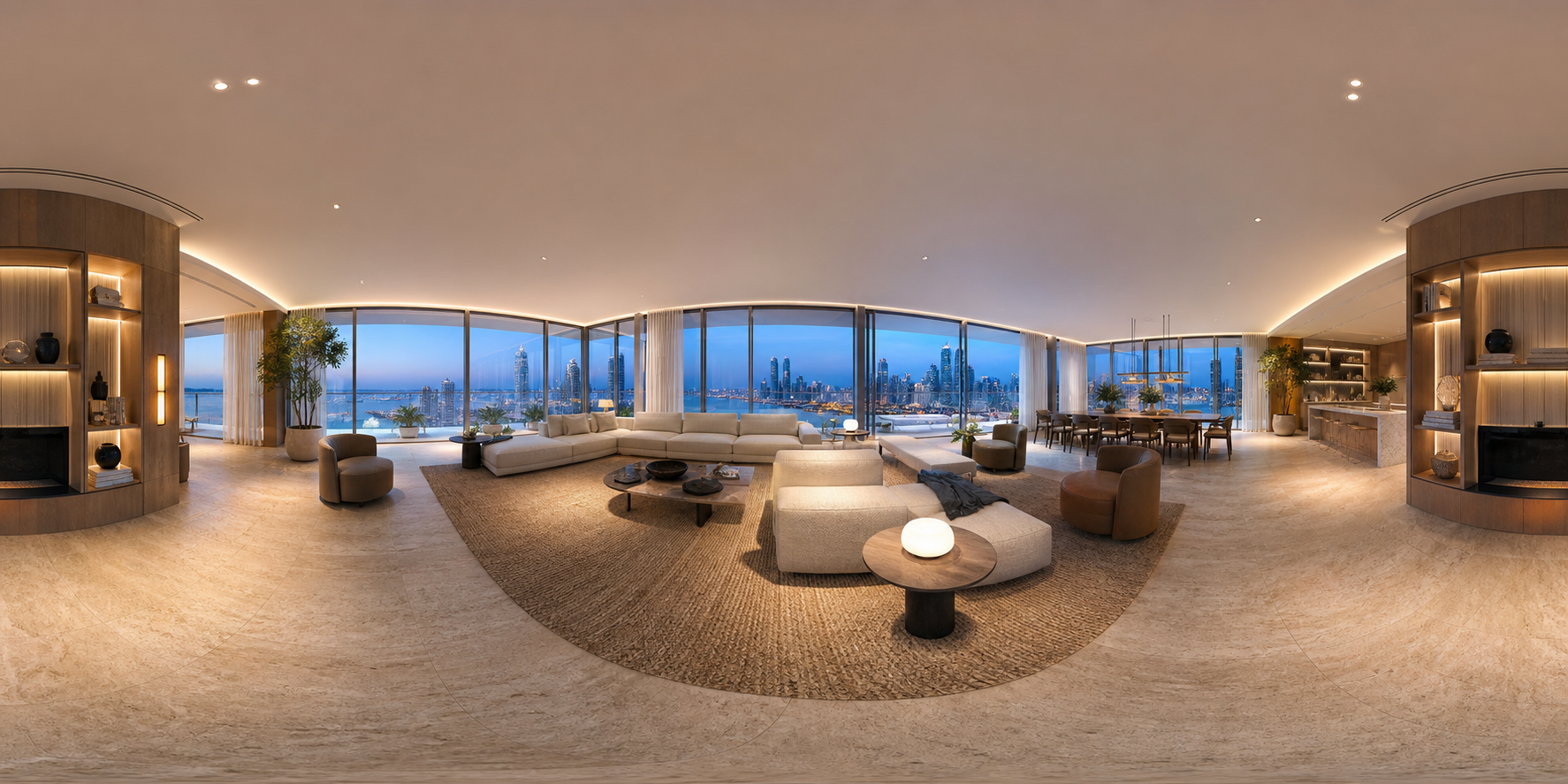
A 2:1 equirectangular image goes in. A 2:1 equirectangular image comes back — enhanced across the full field, with its seam and poles intact.
PANORAMIC-NATIVE · GEOMETRY-SAFE · FULL-FRAME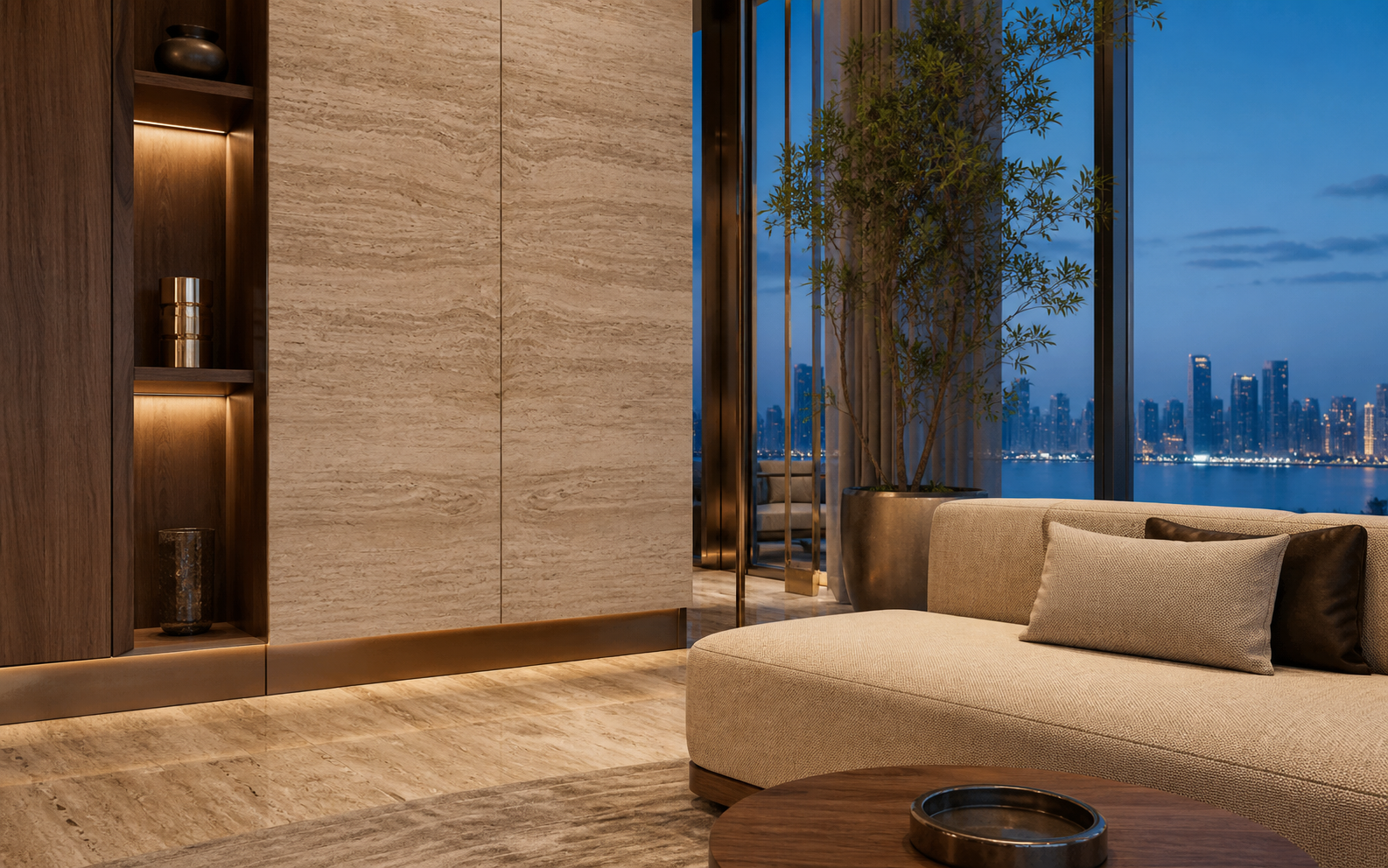 ENLARGEDCRAFT DETAIL
Craft rebuilds the image at output resolution, so stone grain, textile weave, foliage and glazing survive the zoom without generic-AI filler.
NATIVE DETAIL · MATERIAL FIDELITY · NO UPSCALE HALOSTurn an approved architectural frame into motion while holding source resolution and visual identity — without the softness, drift or façade changes.
SOURCE RESOLUTION HELD · IDENTITY LOCK · FRAME COHERENCE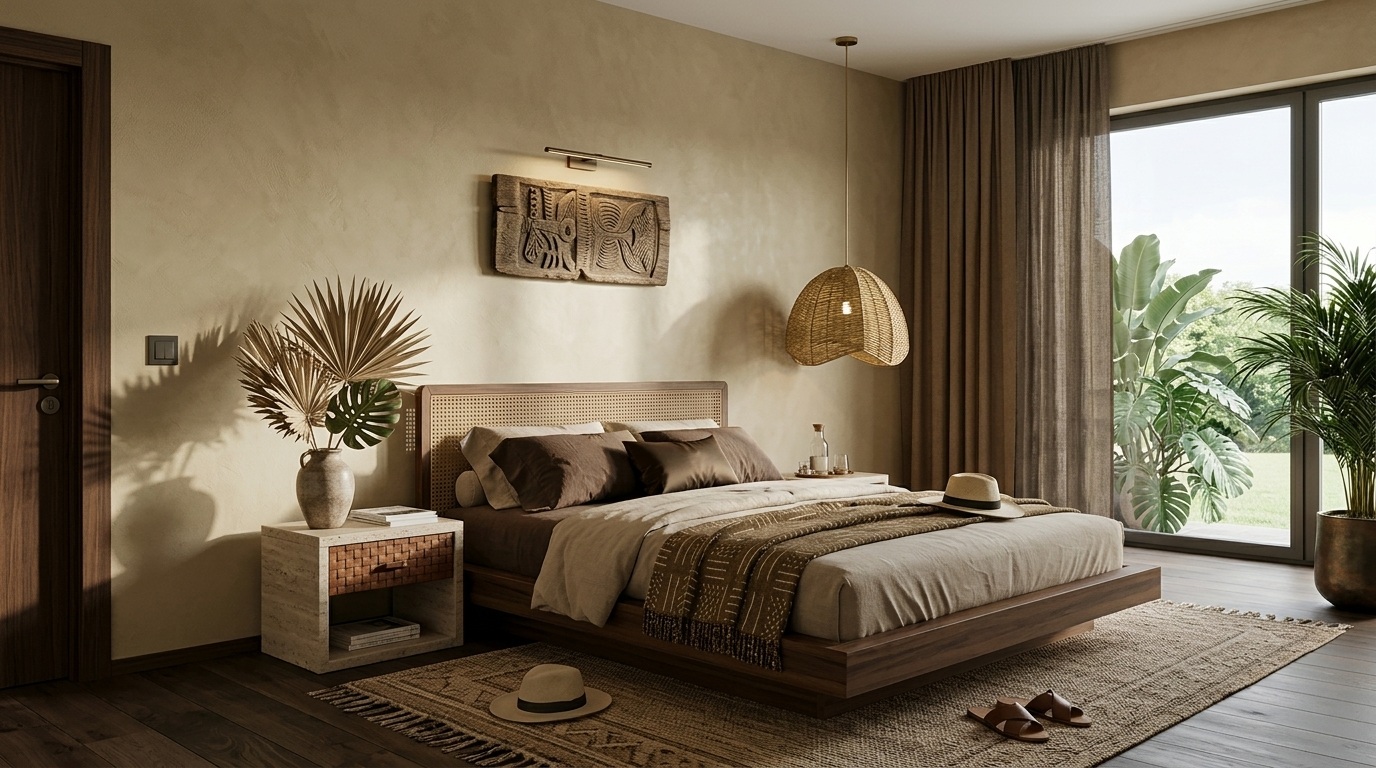
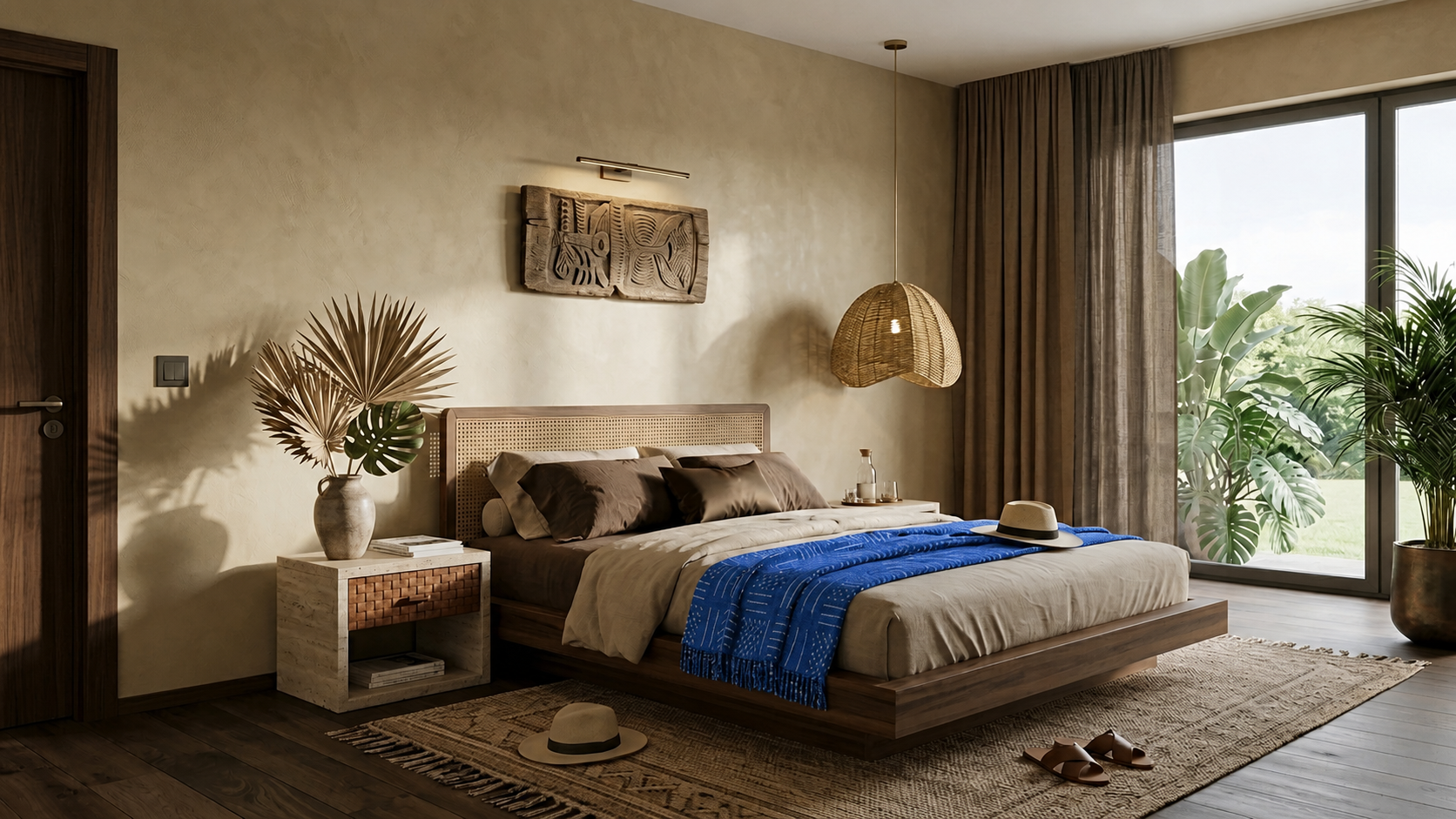 APPROVED FRAMEREGION EDIT
Select the exact area that needs to change. Craft confines the edit to that region while the approved camera, lighting, geometry and surrounding design stay stable.
SELECTED AREA ONLY · CAMERA HELD · SURROUNDINGS LOCKEDForge is being designed to turn a missing step into a scoped, tested tool. It will remain sandboxed until your team approves it.
Ada finds a missing capability in the approved plan.
Forge scopes inputs, outputs, permissions and tests.
The tool is built inside an isolated project environment.
Your team sees what it will do before it can run.
The new tool becomes one governed step in the plan.
Design, immersive, marketing, sales and digital production all start from the same approved project instead of a fresh brief.
Explore all workflowsArchitects set the direction, developers run the launch, marketers cut it into campaigns and sales teams put buyers inside the unit.
Move from sketch, moodboard or massing to a client-ready direction while the idea is still fluid.
Compare one governed workflow with today’s studio, animation, adaptation and development costs.
200 credits to explore
Get started500 credits / month
Subscribe2,500 credits / month
Subscribe8,000 credits / month
Subscribe50,000 credits / month
Contact salesCompare Craft with the studios, rendering cycles, animation vendors and development work already in your budget.
Open the full cost modelPropVR uses Craft for its own developer work across India and the GCC. The builders are also production users.
production tools live
outcome workflows
panoramas in one reference batch
project memory across outputs
Short, specific answers about where Craft fits, how it protects project detail and what is available today.
Craft is an agentic operating system for architecture, engineering and construction workflows. It turns plans, renders, briefs and project data into governed production steps and finished visual, immersive, campaign and digital deliverables for AEC studios, developers and agencies.
Craft is built for architects, interior designers, real-estate developers, visualisation studios, marketing teams and sales organisations that need multiple assets from the same approved project. Individual creators can run tools directly, while larger teams can use shared projects, governed plans and enterprise pilots.
Craft can turn plans, sketches, approved renders, panoramas, briefs and inventory data into stills, 360° tours, walkthroughs, campaign variants, launch films, brochures and digital experiences. Arc keeps the building, materials, brand and approvals connected as the project moves between formats.
General AI tools focus on creating an individual result, while Craft focuses on retaining an AEC project across a production workflow. Craft adds project memory, panorama-native processing, AEC-specific quality controls, visible credit planning and human approval gates around the underlying models.
Craft’s Concept, Immersive and Refine studios contain 30+ production tools available today. Agentic 1.0 and Arc 1.0 are in early access, while native AEC plugins and Forge on-demand tool creation are labelled as coming soon or roadmap capabilities.
Craft does not use customer project files to train shared models. Enterprise evaluations can also include a security review, single sign-on and data-residency options for India and the UAE.
Bring a live project, the files you already have and the date it has to ship. You see the plan and the cost before anything runs.